
MAPflow Updates
Custom Drug Templates: A Productivity Boost for Compounding Pharmacies
March 24, 2026
MAPflow assessments come with predefined therapy options built right in ready to select, based on your province and scope of practice. But sometimes you need to go beyond the standard options. Maybe your pharmacy prepares custom compounds, or you regularly recommend a specialty product that isn't part of the default list. In those cases, you've been manually typing those entries into the Other Agents tables every time.
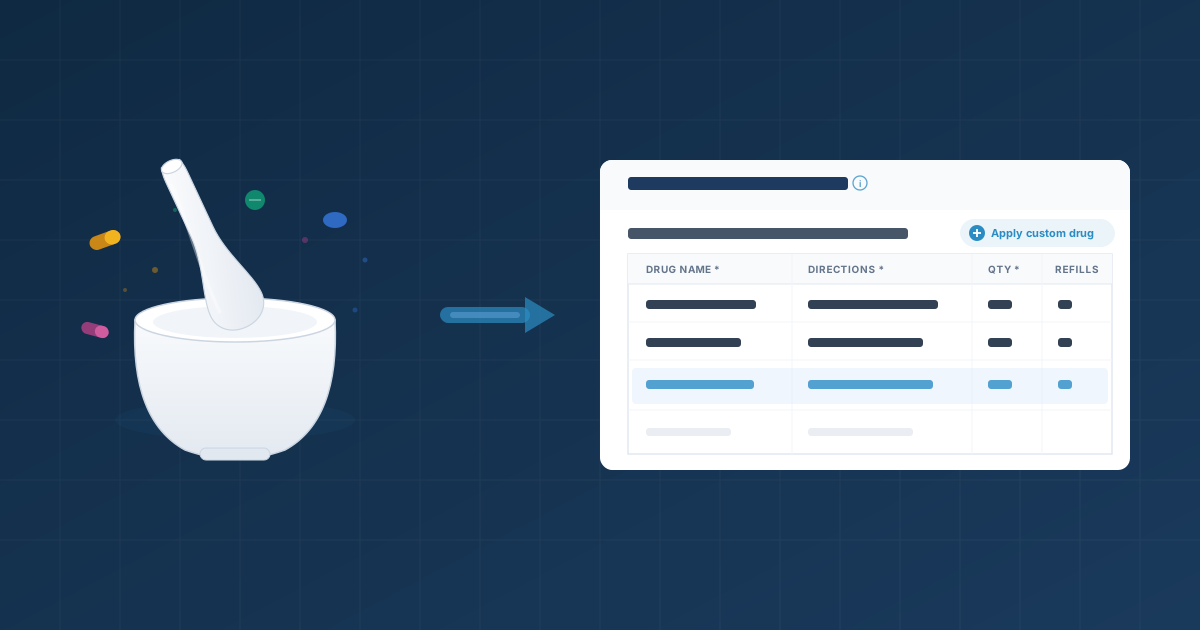
Custom Drugs eliminates that repetition. Save your pharmacy's go-to custom medications once and apply them to any assessment with a single click.
Why This Matters for Compounding Pharmacies
This feature was built with compounding pharmacists in mind. Compound formulations are detailed: specific ingredients, concentrations, preparation instructions, and dispensing quantities. Typing that out from scratch on every assessment is slow and error-prone.
With Custom Drugs, you enter a compound formulation once and reuse it across every future assessment. Your entire pharmacy team shares the same library, so everyone applies the same formulations with the same details! No guessing, no inconsistencies.
How It Works
- Save as you go. During an assessment, after filling out a row in the Other Agents table, click the save icon to store it as a custom drug for future use.
- Apply in one click. On future assessments, click "Apply custom drug" above the therapy table, pick your entry, and the row fills in automatically. Adjust any values as needed for the specific patient.
- Assign to multiple ailments. Each custom drug can be linked to one or more ailments. Only relevant entries show up during each assessment.
- Manage centrally. Visit My Pharmacy > Custom Drugs to create, edit, and organize your full library in one place.
Availability
Custom Drugs is available to pharmacies on the Per Pharmacy subscription plan. Head to My Pharmacy > Custom Drugs to get started. If you want to upgrade, contact us at support@mapflow.ca.
Setting Up and Utilizing the Custom Drugs Feature


